
Here's the Gist
As the author of this article, I am often asked by our community how to record indoor cycling workouts on Strava. In this guide, I break down why tracking indoor rides is worthwhile and share the three practical ways you can do it.
- Recording indoor rides helps you monitor fitness progress over time, share workouts with friends, and analyze training intensity with a heart rate monitor.
- Manual logging via the plus icon in the Strava app is the quickest option, though it will not capture any ride data.
- Changing the bike icon to workout mode lets Strava or a Garmin track your indoor session and connected heart rate data.
- Connecting Strava to platforms like Zwift or Peloton syncs detailed ride metrics, including heart rate, cadence, and power data.
- Using third-party cycling apps delivers the most comprehensive data to Strava, though it requires paid subscriptions and extra setup.
Indoor cycling in the past decade has changed a lot. Years ago, we didn’t have interactive spinning bikes, and data such as power wasn’t as common as it is today. In modern times, we also like to share our workouts with others, and a great way to do that is with the Strava application.
My YouTube video on how to record indoor cycling on Strava!
Many of our lovely subscribers and readers ask us some amazing questions, and one that seems to come up all the time is, “How do I record indoor cycling on Strava?” In this article, we will be telling you multiple methods to do so.
Why Should You Record On Strava?
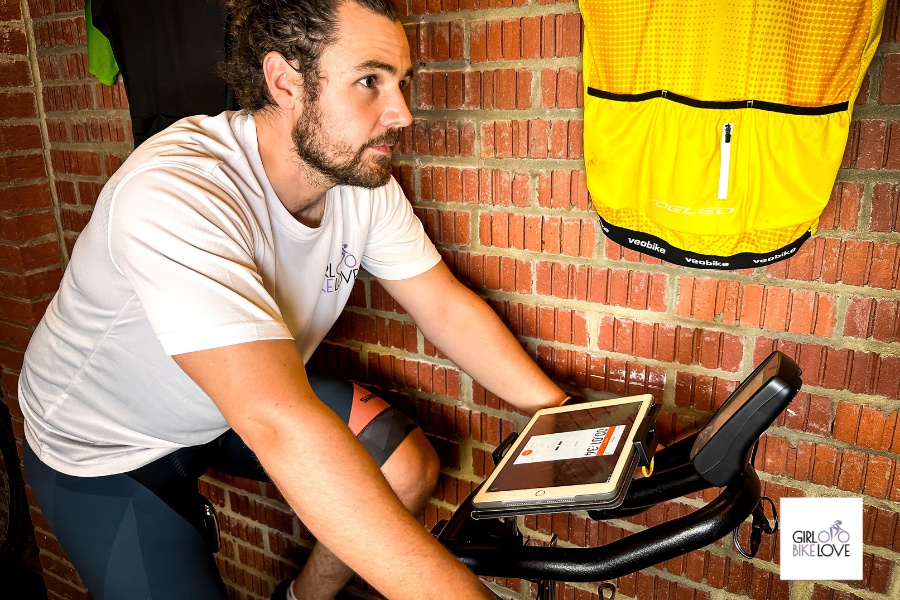
Before we get into the methods, discussing why you might want to record your rides on Strava is important. Here’s why I think it’s a good idea:
To Track Your Fitness Journey
I have personally always used Strava as a log of my fitness so I can look back on my training later in time. It’s great to see myself staying consistent and strengthening through my training journey.
To Share Your Rides
It’s good to share your rides. Sometimes you don’t know who’s checking out your Strava, and you could inspire others to get on the bike and start training themselves. This also helps you connect with other like-minded people who might share your passion for indoor cycling.
To Analyze Data
If you log on to Strava in workout mode, you can link a heart rate monitor, and you can use this data while riding and after to see how hard you are working. This is great if you want to do intervals or structure your workout better.
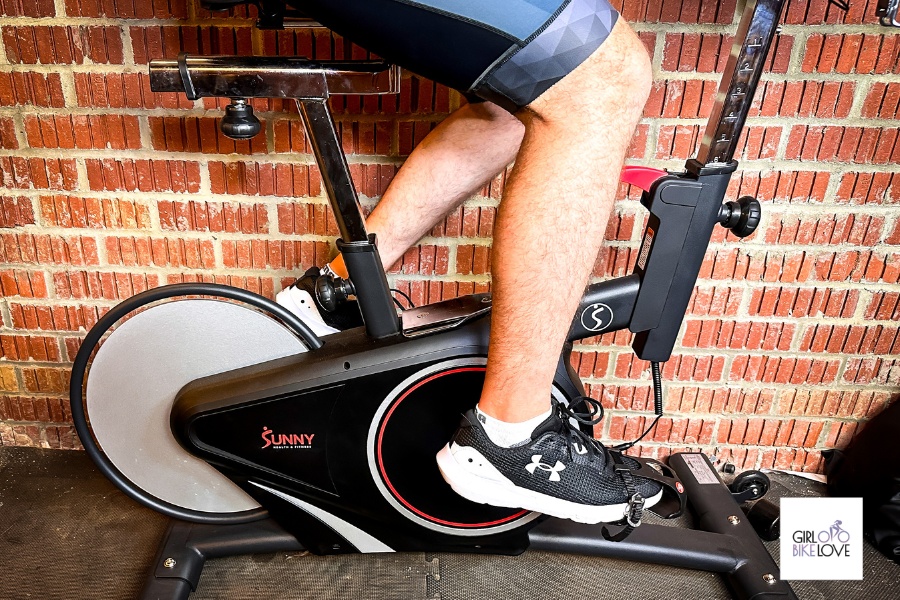
How To Record Your Rides On Strava
Now for the fun bit. Here are our methods to record indoor cycling on Strava:
Method 1: Manual Logging
The first and easiest method is manual logging. Using the Strava application on your phone, you can go to record, click the plus symbol in the top left-hand corner, and log a manual ride. This is the simplest way of logging, but it comes with some disadvantages.
This simple way of logging means you get no data. Essentially you are just telling Strava what you have done, which is great as a training log but isn’t going to show off your ride data or how hard you were working.
Method 2: Strava Workout Tracking
Many people don’t know that you can track an indoor workout on the Strava application or a Garmin. You need to load the Strava application, and at the bottom, where you have the bike symbol, click it and change it to workout instead.
Now you can hit record, and it will track your workout and heart rate if you’re using a monitor. This is a great way to go if you want to cycle indoors with Strava and want to have some data to analyze afterward.
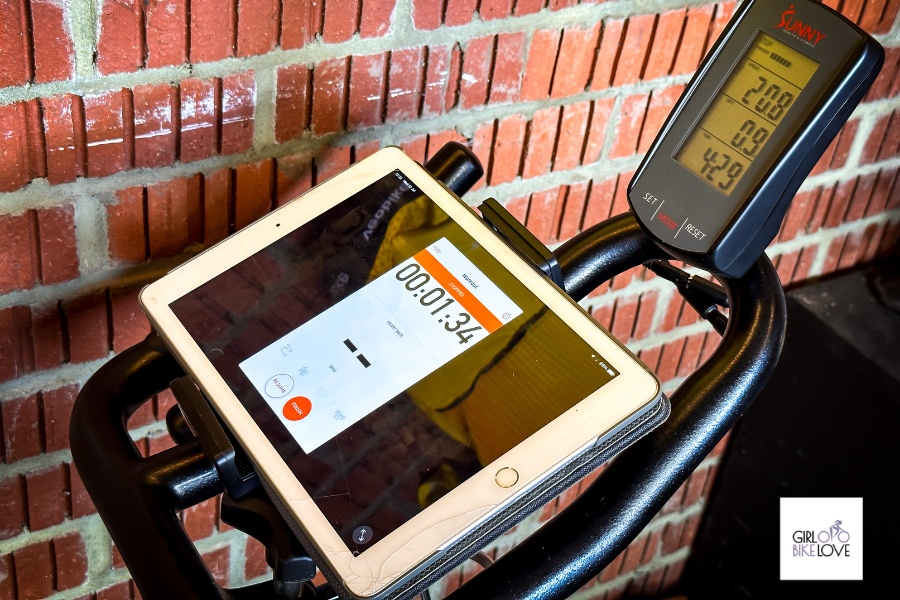
Method 3: Connecting To Applications
Finally, the last way we recommend is that you connect to Strava through different applications. I personally find a great way to record a workout on Strava with lots of data is to do the workout in an application such as Zwift or Peloton.
Zwift will translate all the data you need, from heart rate, cadence, power, and much more. This is definitely the best way to go, but it is more challenging to set up and will require a membership to these applications.
A Final Note
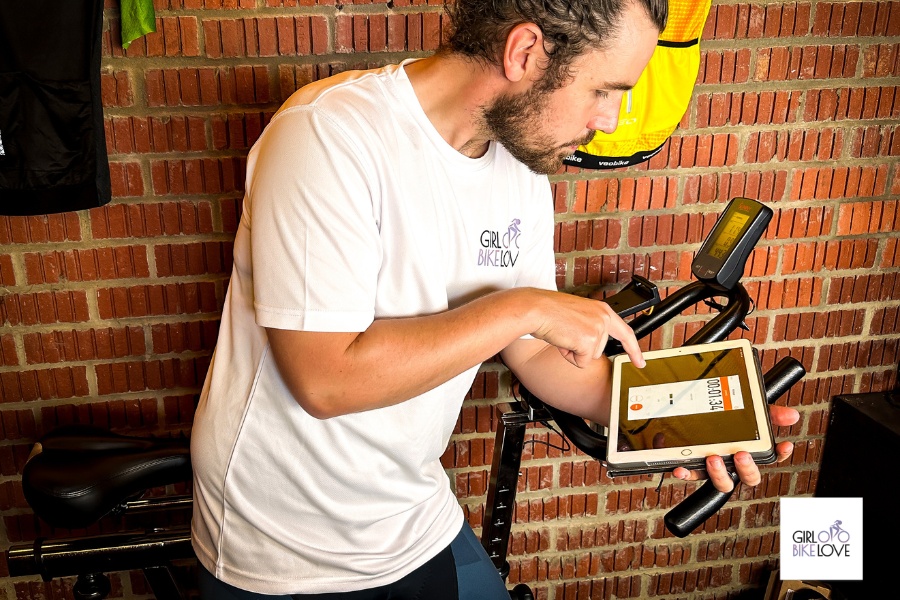
Strava is a great tool for logging and sharing indoor rides with friends. Many indoor cyclists want to use Strava but don’t know it’s possible. Now you know it is. Thanks for taking the time to read our article. Ensure to watch the video and subscribe to the channel.
Quick Answers
Why should I record indoor cycling on Strava?
Recording indoor rides on Strava helps you track your fitness journey, stay consistent, and share your training to connect with others. You can also analyze data like heart rate to see how hard you are working and better structure your intervals.
How do I manually log an indoor cycling ride on Strava?
Open the Strava app on your phone, go to record, click the plus symbol in the top left-hand corner, and log a manual ride. This is the simplest method to maintain a fitness log, though it will not show ride data or how hard you were working.
Can you track indoor cycling workouts directly in the Strava app?
Yes. In the Strava app, click the bike symbol at the bottom and change it to workout. Hit record, and it will track your workout along with your heart rate if you link a monitor, providing data you can analyze after your ride.
What apps can I connect to Strava for indoor cycling data?
You can connect applications like Zwift or Peloton to Strava. Recording through an application like Zwift is a great way to transfer detailed data—including heart rate, cadence, and power—directly to Strava, though setting it up requires a membership.
